A commission sheet is an essential tool for businesses that pay employees or sales representatives based on their sales performance. It provides an organized way to record transactions, calculate commission earnings, monitor sales targets, and maintain accurate payment records. Whether you manage a small sales team or a growing organization, having a reliable commission tracking system can make compensation management much easier.
Instead of calculating commissions manually or keeping scattered records, businesses can use a structured commission sheet template to manage everything in one place. It helps sales managers review individual performance while allowing employees to understand how their earnings are calculated.
In this guide, you will learn what a commission sheet includes, how to calculate sales commissions, and how to use a printable template to organize compensation records. You will also find practical tips for creating a transparent and consistent commission tracking process.
What Is a Commission Sheet?
A commission sheet is a document or spreadsheet used to record sales activities and calculate the commission earned by employees, agents, or independent sales representatives. It typically includes sales amounts, commission rates, transaction dates, employee information, and total commission payments.
Businesses use commission sheets to ensure that sales-based compensation is calculated consistently. Each transaction can be documented, reviewed, and compared against the company’s commission policy.
A well-organized sales commission sheet can serve several purposes:
- Track sales performance: Monitor individual transactions and total sales revenue.
- Calculate earnings: Determine commission payments using established rates or formulas.
- Maintain accurate records: Keep sales and compensation information organized.
- Improve transparency: Help employees understand how their commission is calculated.
- Support management decisions: Evaluate performance and identify opportunities to improve sales results.
Whether commissions are calculated weekly, monthly, or quarterly, a consistent tracking document helps reduce confusion and administrative errors.
What Should Be Included in a Commission Sheet?
The information included in a commission sheet depends on the company’s compensation policy. However, several essential fields make the document more useful and easier to manage.
1. Employee Information
Start with basic information about the person receiving the commission. This section should include the employee’s name, identification number, department, position, and reporting manager.
These details help businesses identify each sales representative and prevent commission records from being assigned to the wrong employee.
2. Sales Transaction Details
Record every eligible transaction used to calculate commission payments. Important details may include:
- Transaction or invoice number.
- Customer or client name.
- Product or service sold.
- Transaction date.
- Total sales amount.
- Sales status or payment status.
Keeping transaction information together makes it easier to verify sales before approving commission payments.
3. Commission Rate
The commission rate represents the percentage or fixed amount a sales representative receives from eligible sales. Rates may vary depending on the product, service, sales volume, or employee agreement.
For example, a business might offer a 5% commission on qualifying sales. The rate should be clearly documented to ensure consistent calculations.
4. Commission Earned
This section shows the actual commission amount earned from each eligible transaction. It should be calculated using the agreed commission formula and the correct sales amount.
5. Payment and Approval Information
Include payment status, approval dates, and manager verification fields when necessary. These details help distinguish between commissions that have been calculated, approved, and paid.
How to Calculate Sales Commission
Calculating sales commission is straightforward when the commission rate and eligible sales amount are clearly defined. The most common method uses a percentage of qualifying sales.
Basic Commission Formula
Commission = Eligible Sales Amount × Commission Rate
For example, suppose a sales representative generates $12,000 in eligible sales and receives a 5% commission rate.
- Eligible sales amount: $12,000
- Commission rate: 5%
- Commission calculation: $12,000 × 0.05
- Total commission earned: $600
This formula can be applied to individual transactions or combined sales totals, depending on the company’s commission policy.
Calculating Tiered Commission
Some organizations use tiered commission structures to reward employees for achieving higher sales targets. Under this arrangement, the commission rate increases when sales reach specific performance levels.
For example, a company might establish the following commission structure:
- Sales up to $5,000: 3% commission.
- Sales from $5,001 to $10,000: 5% commission.
- Sales above $10,000: 7% commission.
Before calculating earnings, determine whether the policy applies each rate only to the sales within its corresponding tier or retroactively to all eligible sales. This distinction can significantly affect the final commission amount.
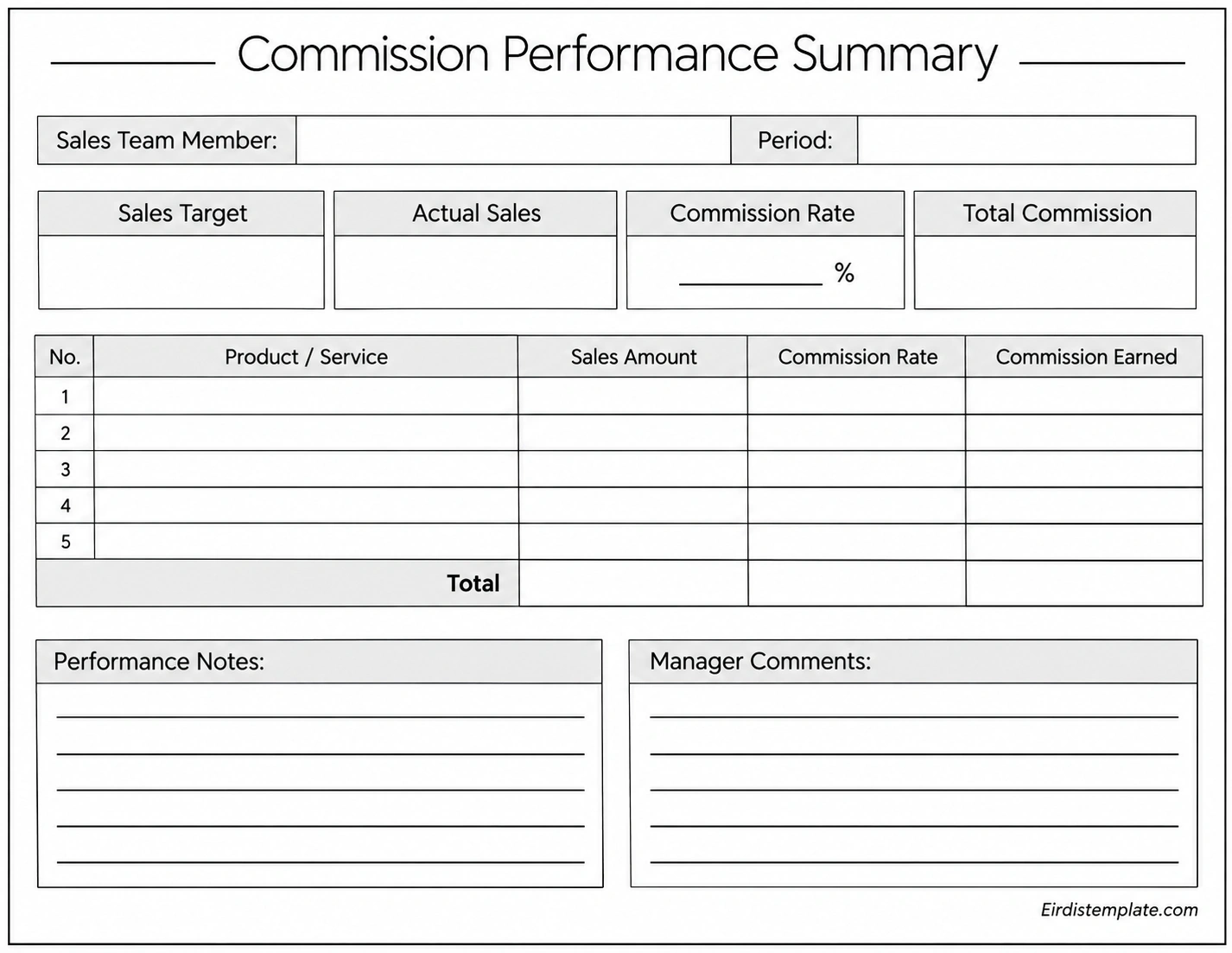
Benefits of Using a Commission Sheet
Using a commission sheet provides several advantages for businesses that rely on sales-based compensation. It creates a consistent process for recording transactions and managing employee earnings.
Improves Calculation Accuracy
A standardized commission tracking document reduces the risk of calculation mistakes. When every transaction follows the same recording process, managers can review sales figures and verify commission amounts more easily.
Increases Compensation Transparency
Sales representatives want to understand how their earnings are determined. A detailed commission report provides visibility into sales totals, applicable rates, deductions, and calculated payments.
Makes Performance Monitoring Easier
Managers can compare actual sales against individual targets and identify employees who consistently achieve their goals. These records also help businesses evaluate the effectiveness of their sales incentive programs.
Saves Administrative Time
Rather than reviewing multiple documents, businesses can maintain commission information in one organized record. This makes monthly reporting, payment verification, and performance reviews more efficient.
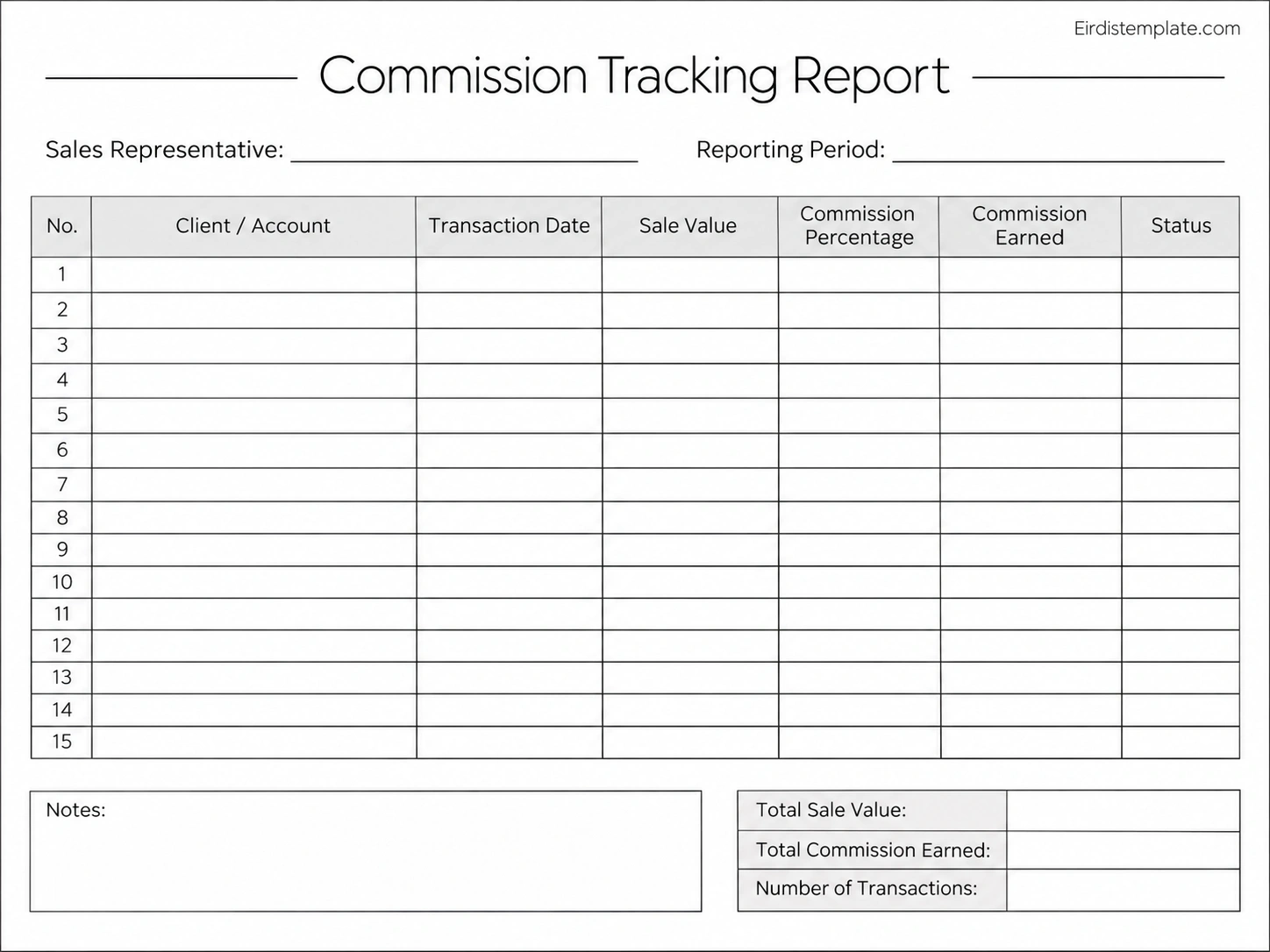
How to Use a Commission Sheet Template
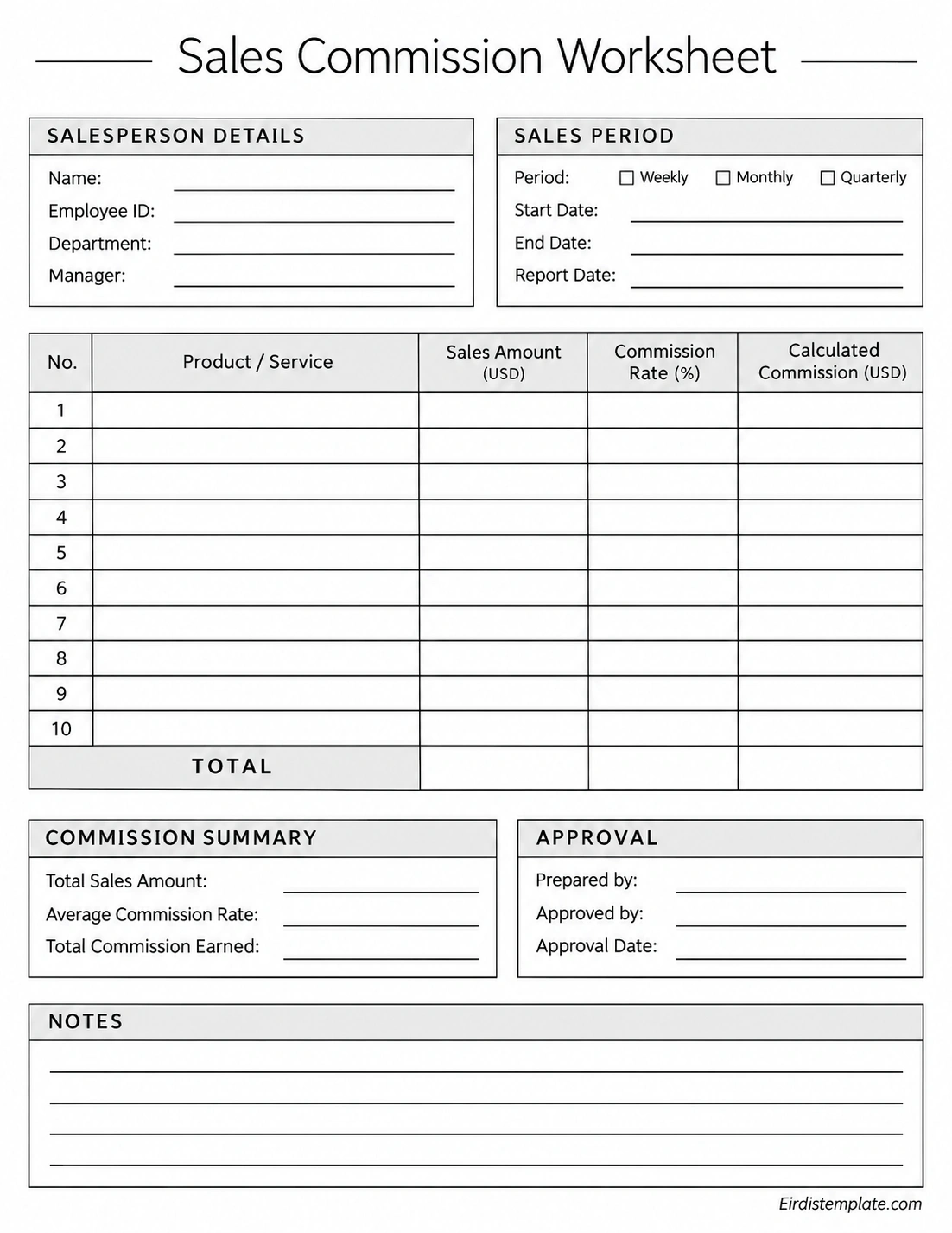
A printable commission sheet template can help standardize the way sales information is collected and reviewed. Follow these steps to use one effectively.
Step 1: Enter Employee Details
Begin by entering the employee’s name, identification number, department, and manager. Make sure the reporting period is also clearly specified.
Step 2: Record Eligible Sales
Enter each qualifying transaction into the sales tracking table. Include the transaction date, customer information, product or service, and corresponding sales amount.
Step 3: Apply the Correct Commission Rate
Check the company’s compensation agreement before entering the commission percentage. Make sure the correct rate is applied to each eligible transaction.
Step 4: Calculate Total Commission
Multiply the eligible sales amount by the applicable commission rate. Add the individual commission amounts to determine the total earnings for the reporting period.
Step 5: Review and Approve the Record
Verify transaction details, check calculations, and confirm any applicable deductions or adjustments. A manager or authorized supervisor can then review and approve the commission report.
Step 6: Update Payment Status
Once the commission has been processed, record the payment date and status. Keeping this information updated helps prevent duplicate payments and unresolved compensation records.
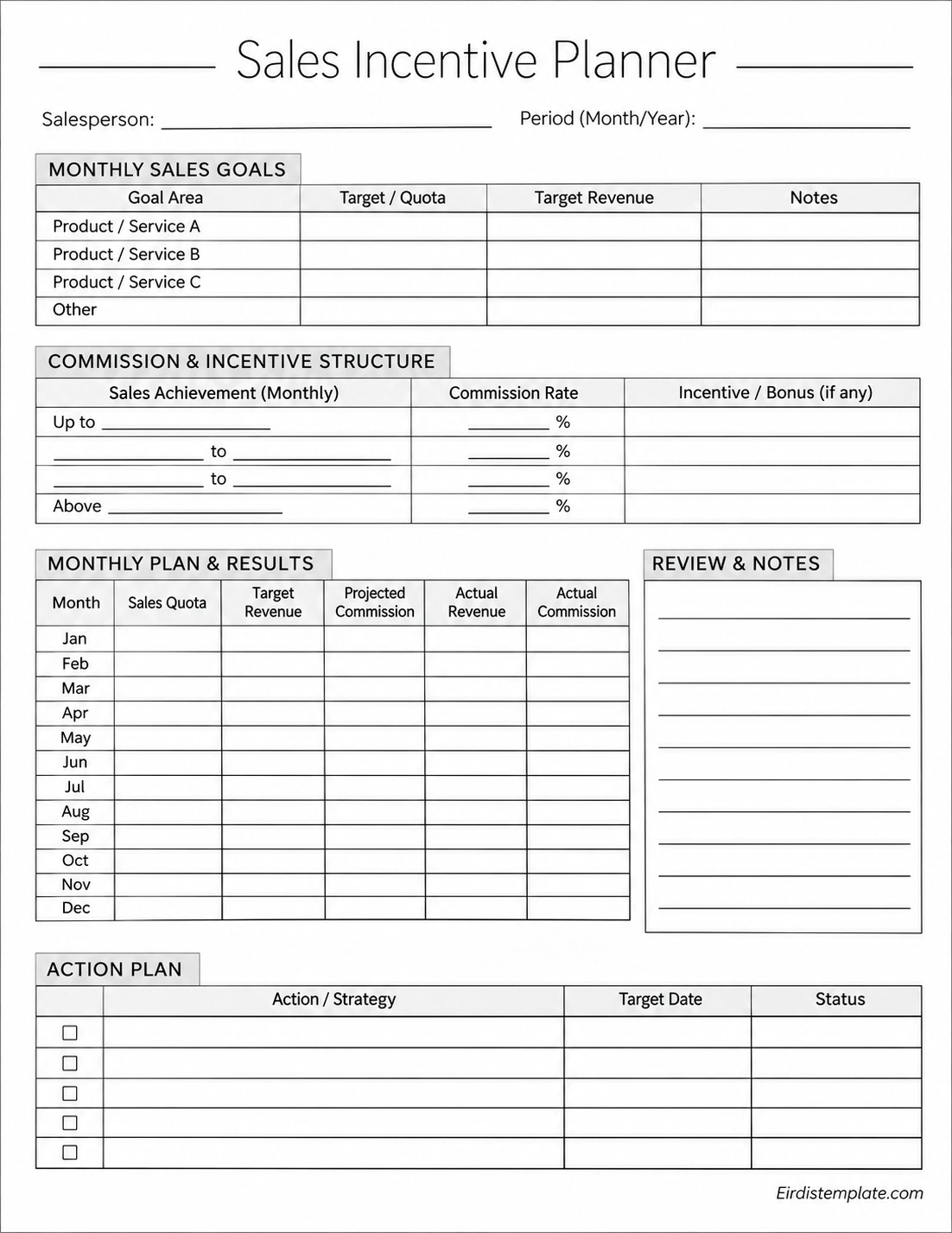
Tips for Managing Sales Commission Records
A commission sheet works best when businesses establish clear procedures for maintaining and reviewing the information. Consider the following practices to improve your commission management process.
- Establish clear commission policies: Document commission rates, eligibility requirements, payment schedules, and applicable adjustments.
- Update records regularly: Record transactions as they occur instead of waiting until the end of the month.
- Verify sales information: Compare commission records with approved invoices, sales reports, or other supporting documents.
- Separate gross and net sales: Clearly identify whether commission is calculated before or after discounts, returns, and refunds.
- Maintain consistent reporting periods: Use clearly defined weekly, monthly, or quarterly reporting dates.
- Protect employee information: Limit access to confidential compensation and personal information.
- Keep historical records: Store completed commission reports for future reviews and reconciliation.
For businesses with larger sales teams, spreadsheet software can also help automate calculations. Formulas can calculate commissions automatically, while structured tables make it easier to sort and review individual employee performance.
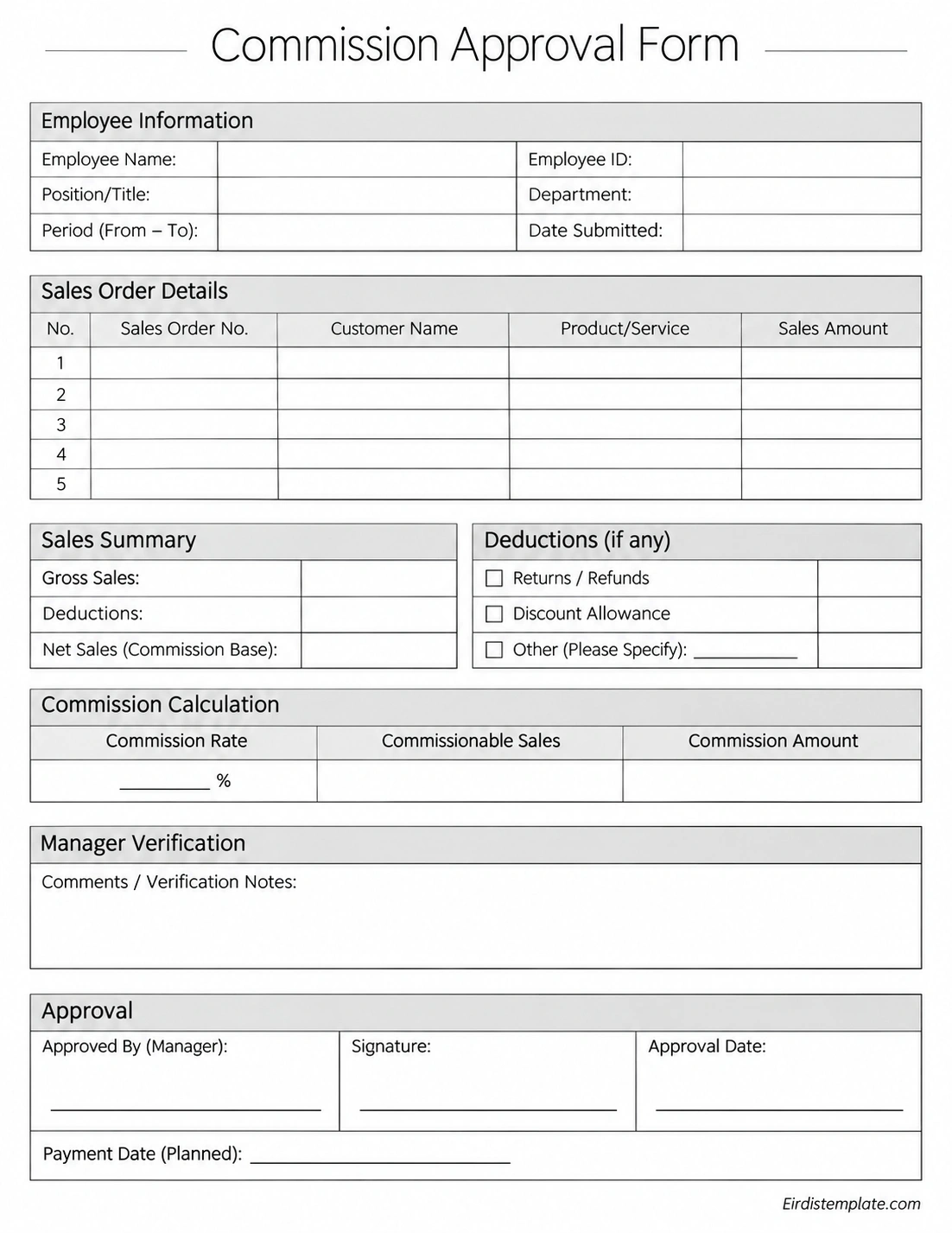
Commission Sheet vs. Commission Report
Although these terms are sometimes used interchangeably, a commission sheet and a commission report can serve slightly different purposes.
A commission sheet is generally used to record individual sales transactions and calculate commission earnings. It often includes detailed fields for entering sales amounts, commission percentages, and employee information.
A commission report usually summarizes the recorded information for a particular employee, department, or reporting period. It may include total sales, commission expenses, performance comparisons, and payment summaries.
Both documents are useful. A commission sheet supports detailed calculations, while a commission report provides a broader view of sales compensation and performance.
Frequently Asked Questions About Commission Sheets
What is the purpose of a commission sheet?
A commission sheet records sales transactions and calculates the commission earned by sales employees or representatives. It helps businesses maintain accurate compensation records, monitor sales performance, and verify payments.
How do you calculate commission on sales?
Multiply the eligible sales amount by the applicable commission rate. For example, a $5,000 sale with a 4% commission rate generates $200 in commission, assuming the full transaction qualifies.
What information should a sales commission sheet include?
A typical sales commission sheet includes employee details, reporting period, transaction dates, customer information, sales amounts, commission rates, calculated earnings, payment status, and approval details.
Can I use Excel for commission tracking?
Yes. Microsoft Excel and Google Sheets are useful for commission tracking because they support automatic calculations, formulas, sorting, filtering, and sales summaries. Businesses can customize spreadsheet templates to match their compensation policies.
How often should commission sheets be updated?
Commission sheets should ideally be updated whenever eligible sales transactions occur. However, the review and payment schedule depends on the company’s compensation policy, which may be weekly, biweekly, monthly, or quarterly.
What is the difference between a flat and tiered commission?
A flat commission uses one fixed rate for all eligible sales, while a tiered commission applies different rates depending on sales performance or revenue levels. Tiered structures are often used to encourage employees to achieve higher sales targets.
Why is commission tracking important?
Commission tracking helps businesses maintain accurate payment records, reduce calculation errors, evaluate employee performance, and provide transparency into sales-based compensation.
Conclusion
A commission sheet is a practical solution for managing sales-based compensation and keeping employee earnings organized. By recording transactions, applying the correct commission rates, and reviewing payment information, businesses can create a more accurate and transparent compensation process.
Whether you manage a small sales team or a larger organization, using a structured commission sheet template can simplify calculations and improve performance monitoring. Choose a layout that matches your company’s commission policy, update records regularly, and verify calculations before approving payments.
With a consistent tracking system in place, managing sales commissions becomes easier, more organized, and more reliable.
Download: Commission Sheet Template Excel
