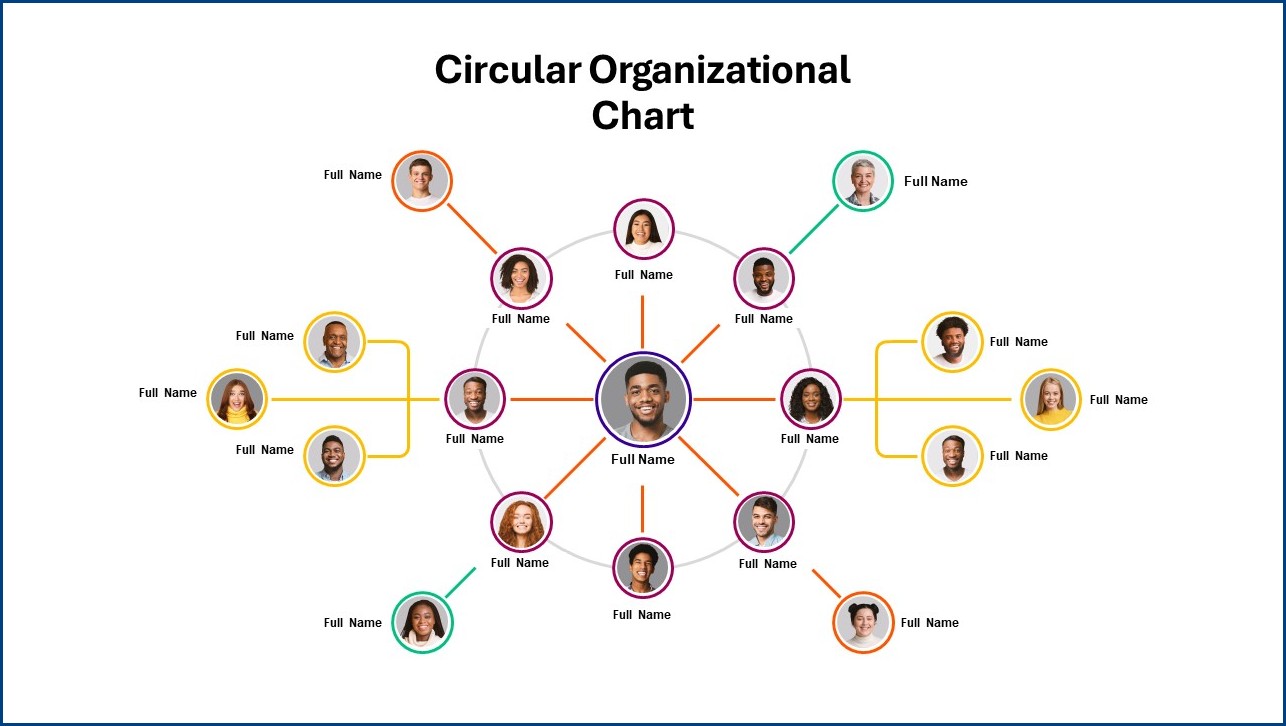
Organization charts are visual representations of a company’s structure, showing the relationships between employees and departments. They provide a clear overview of how an organization is structured, who reports to whom, and how the various parts of the organization are interconnected.
In this article, we will delve into the world of organization charts, exploring what they are, why they are important, what to include, how to create one, and some tips for making the most of them.
What is an Organization Chart?
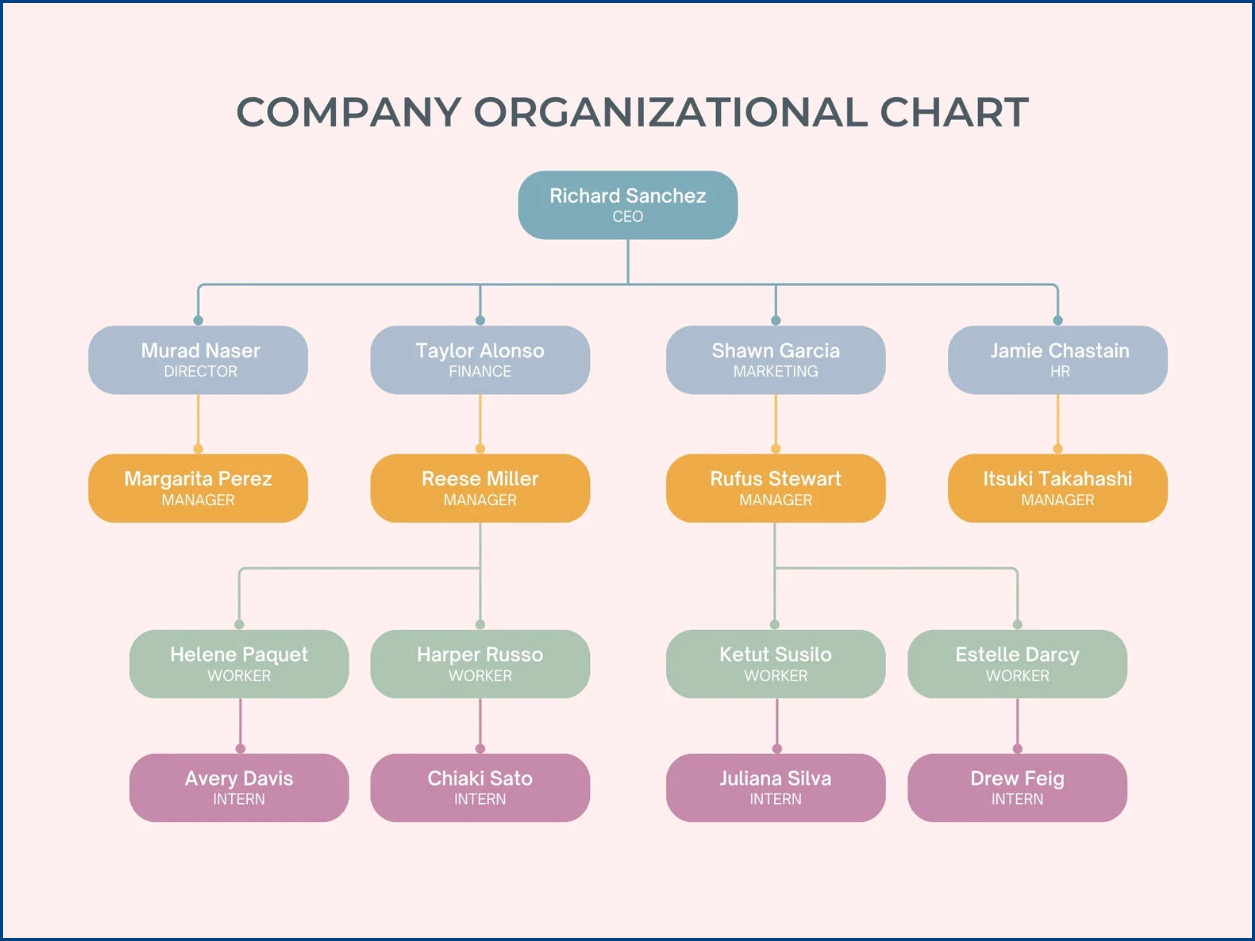
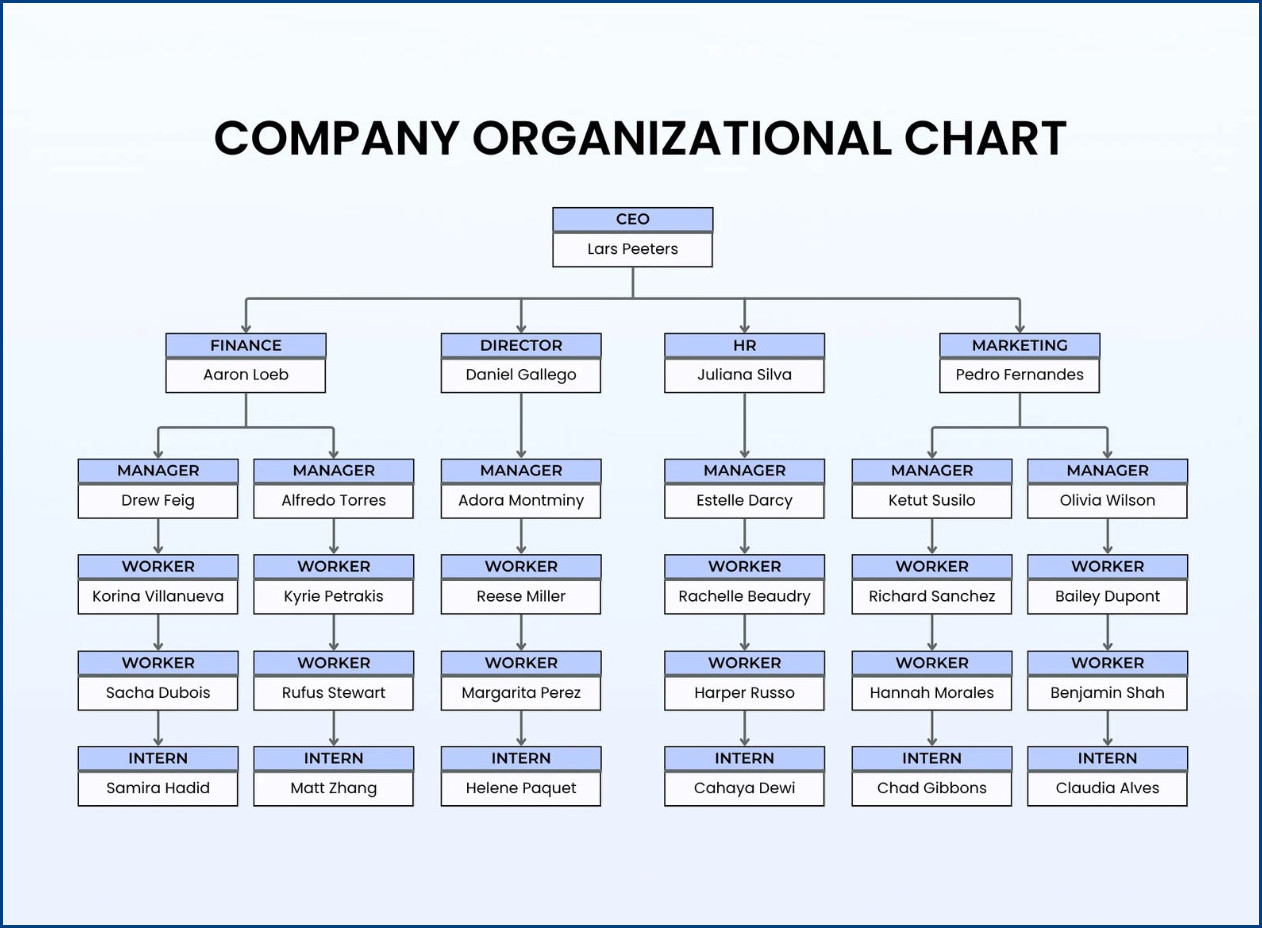
An organization chart, also known as an org chart or organizational chart, is a diagram that shows the structure of an organization and the relationships and relative ranks of its parts and positions/jobs. It typically depicts the hierarchy of authority within an organization, with boxes representing different roles and lines indicating reporting relationships.
Organization charts can vary in complexity, from simple hierarchies to more detailed matrices.
Why Are Organization Charts Important?
Organization charts are essential tools for any business, helping to clarify reporting relationships, streamline communication, and improve organizational efficiency. Here are a few key reasons why organization charts are important:
- Clarity: Organization charts provide a clear visual representation of an organization’s structure, making it easy to understand who does what and who reports to whom.
- Communication: By clearly defining roles and responsibilities, organization charts help to improve communication within an organization and reduce misunderstandings.
- Planning: Organization charts can aid in strategic planning by identifying gaps in the organizational structure and ensuring that the right people are in the right positions.
- Decision-Making: Having a clear view of the organizational hierarchy can help in making informed decisions and delegating tasks effectively.
What to Include in an Organization Chart
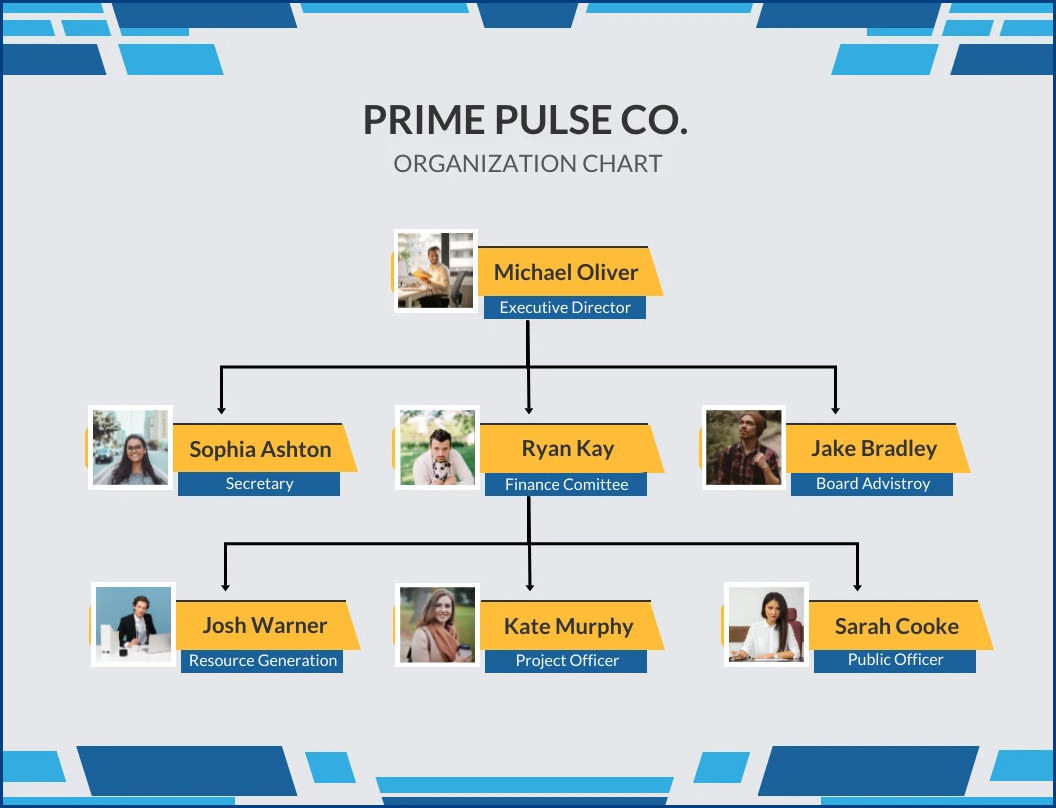
When creating an organization chart, it’s important to include the following key elements:
- Positions/Job Titles: Each box in the chart should represent a specific position or job title within the organization.
- Reporting Relationships: Lines connecting the boxes should indicate the reporting relationships between different roles, showing who reports to whom.
- Departmental Structure: You can use different colors or shapes to represent different departments or divisions within the organization.
- Key Personnel: Make sure to include key personnel, such as executives or managers, prominently in the organization chart.
How to Create an Organization Chart
There are several tools and methods available for creating organization charts, depending on your organization’s size and complexity. Here are some common ways to create an organization chart:
1. Manual Drawing:
You can create a simple organization chart using pen and paper or a whiteboard. This method is quick and easy for small organizations but may be challenging to update and share.
2. Microsoft Office:
Microsoft Office applications like PowerPoint, Word, and Excel offer built-in tools for creating organization charts. These tools allow for customization and easy sharing of the chart.
3. Online Tools:
There are many online tools and software programs available specifically for creating organization charts, such as Lucidchart, Visio, and Canva. These tools often offer templates and collaboration features.
4. Organizational Chart Software:
Dedicated organizational chart software, like OrgChart Now or Pingboard, provides advanced features for creating and managing organization charts, including real-time updates and integration with other HR systems.
Tips for Effective Organization Charts
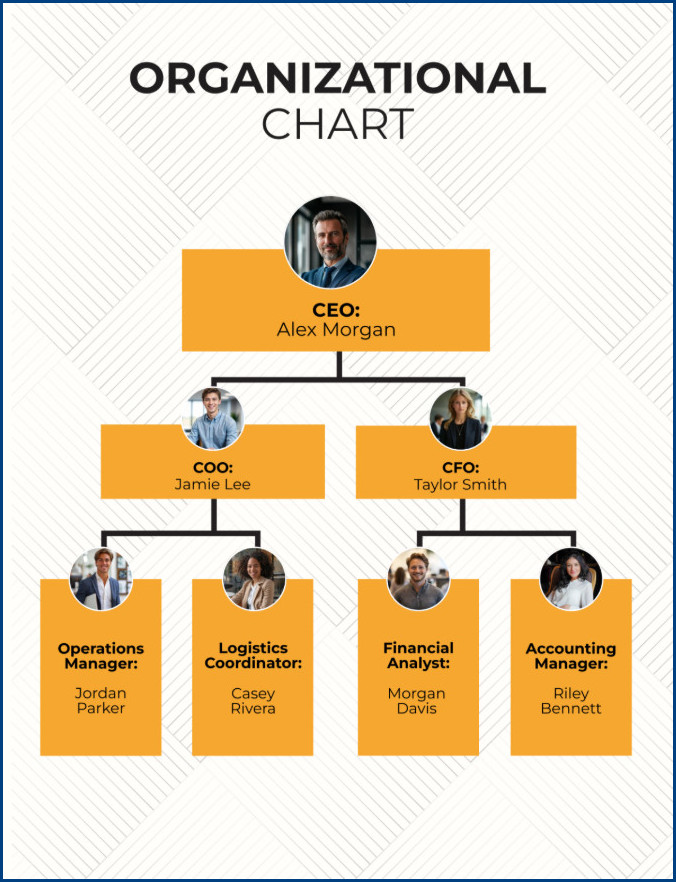
Here are some tips for creating and using organization charts effectively:
- Keep it Updated: Regularly update your organization chart to reflect any changes in roles, responsibilities, or reporting relationships.
- Keep it Simple: Avoid overcrowding the chart with too much information. Focus on key roles and reporting relationships.
- Use Color and Formatting: Use color coding, shapes, and formatting to make the chart visually appealing and easy to understand.
- Share and Communicate: Make sure the organization chart is easily accessible to all employees and regularly communicate any updates or changes.
In Conclusion
Organization charts are invaluable tools for visualizing and understanding the structure of an organization. By creating and using organization charts effectively, businesses can improve communication, streamline decision-making, and enhance overall organizational effectiveness. Whether you opt for a simple hand-drawn chart or a sophisticated software tool, the key is to ensure that your organization chart accurately reflects the current state of your organization and is readily accessible to all employees.
Organization Chart Template – Free Download

- Free Roommate Agreement Template (Word) - September 28, 2026
- Free Printable Wedding Card Template - September 28, 2026
- Free Printable Wedding Schedule Template - September 28, 2026
