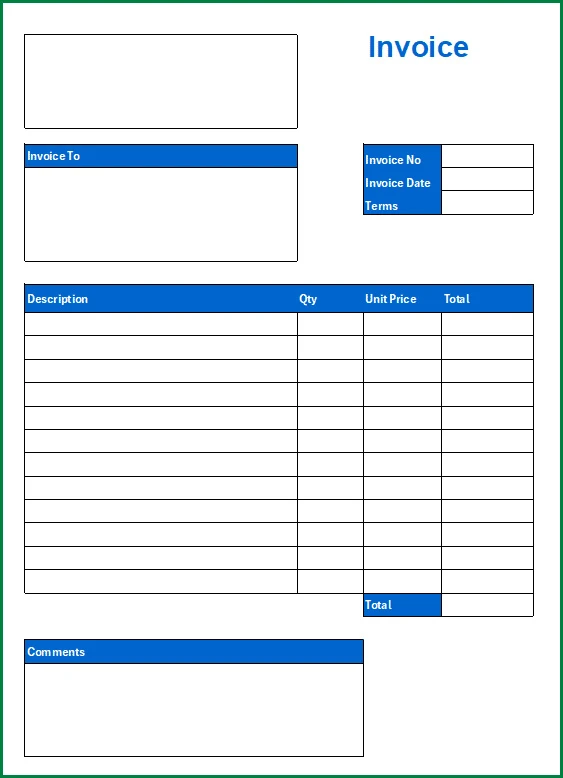
When it comes to running a business, keeping track of sales is crucial. One of the key elements in this process is the sales invoice. A sales invoice is a document that provides a detailed breakdown of a transaction between a seller and a buyer. It serves as a record of the products or services sold, the quantity, the price, and any discounts or taxes applied.
In this comprehensive guide, we will delve into the what, why, what to include, how to, and tips for creating a sales invoice that is effective and professional.
What is a Sales Invoice?
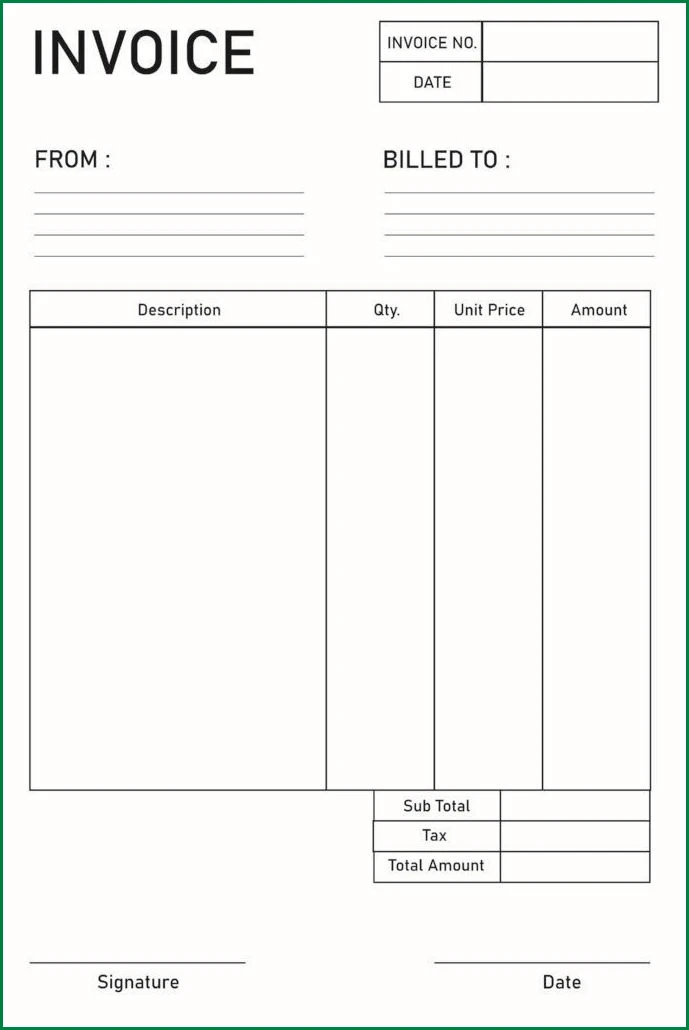
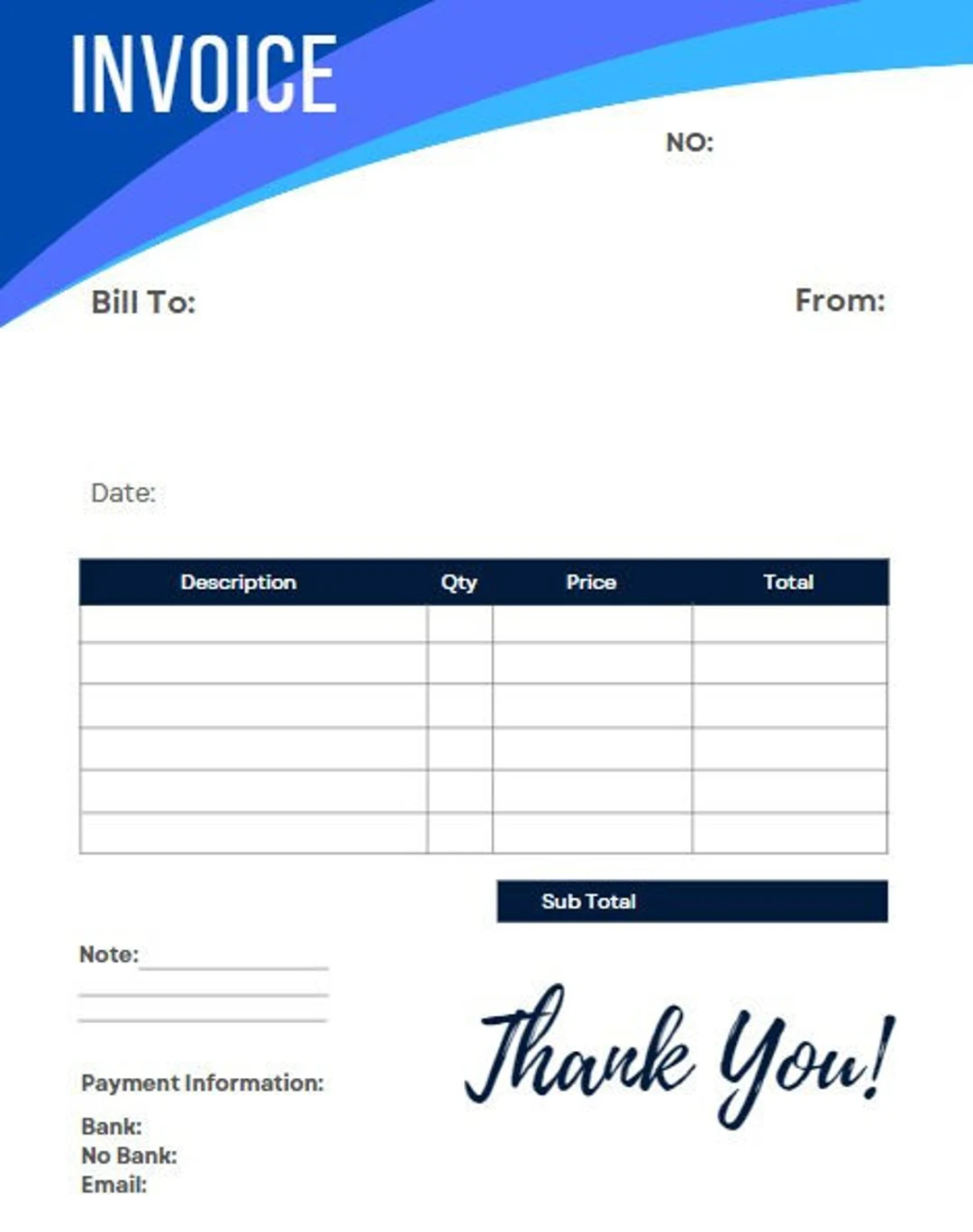
A sales invoice is a document that serves as proof of a transaction between a seller and a buyer. It includes essential information such as the date of the transaction, the names and addresses of both parties, a description of the products or services sold, the quantity, the price per unit, any discounts applied, taxes, and the total amount due.
A sales invoice is typically used for accounting purposes and serves as a legal record of the sale.
Why are Sales Invoices Important?
Sales invoices play a crucial role in the financial health of a business. They provide a detailed breakdown of each transaction, making it easier to track sales, monitor inventory levels, and manage cash flow. Additionally, sales invoices serve as a form of documentation that can be used for tax purposes, audits, and resolving disputes with customers. By maintaining accurate and organized sales invoices, businesses can improve their financial transparency and credibility.
What to Include in a Sales Invoice
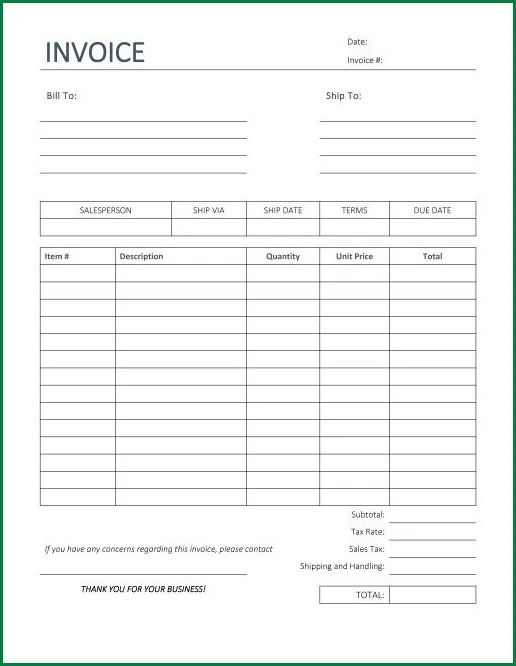
When creating a sales invoice, it is essential to include all the necessary information to ensure clarity and accuracy. Here are the key elements that should be included in a sales invoice:
- Invoice Number: A unique identifier for the invoice
- Date of the Transaction: The date when the sale took place
- Names and Addresses: The contact information of both the seller and the buyer
- Description of Products or Services: A detailed list of items sold or services provided
- Quantity: The number of units sold
- Price per Unit: The cost of each item or service
- Discounts and Taxes: Any discounts applied and applicable taxes
- Total Amount Due: The final amount owed by the buyer
How to Create a Sales Invoice
Creating a sales invoice can be done manually using spreadsheet software or through accounting software that offers invoice templates. Here is a step-by-step guide on how to create a sales invoice:
1. Choose an Invoice Template
Start by selecting a professional invoice template that includes all the necessary fields for your business.
2. Fill in the Details
Enter the invoice number, date of the transaction, names and addresses of the parties involved, description of products or services, quantity, price per unit, discounts, taxes, and total amount due.
3. Calculate the Total
Calculate the total amount due by adding up the prices of all items, applying any discounts, and adding taxes, if applicable.
4. Review and Send
Review the invoice for accuracy and completeness before sending it to the buyer. Make sure to keep a copy for your records.
5. Follow Up
Follow up with the buyer to ensure timely payment and resolve any discrepancies or questions they may have regarding the invoice.
Tips for Creating Effective Sales Invoices
Here are some tips to help you create professional and effective sales invoices:
- Use a Consistent Format: Maintain a consistent layout and design for all your invoices to build brand credibility.
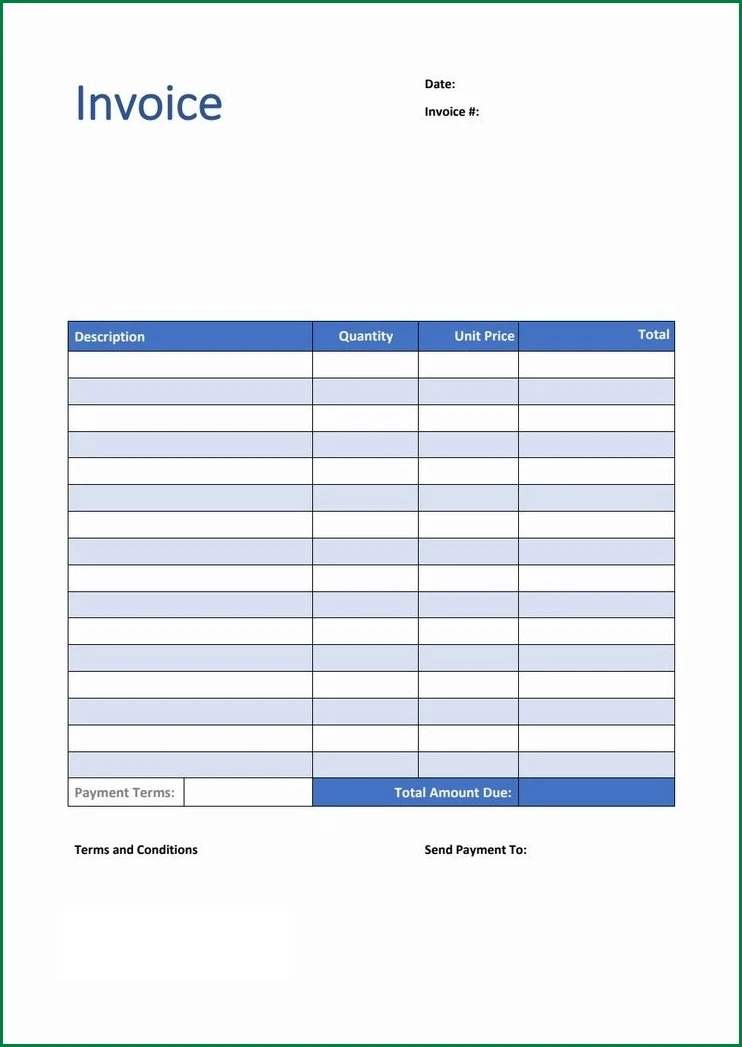
- Include Payment Terms: Clearly state the payment terms, due date, and accepted payment methods on the invoice.
- Keep Detailed Records: Keep a record of all sales invoices for accounting and tax purposes.
- Send Invoices Promptly: Send invoices promptly after a transaction to avoid any delays in payment.
- Follow Up on Overdue Payments: Be proactive in following up on overdue payments to maintain cash flow.
- Personalize Invoices: Add a personal touch to your invoices by including a thank-you note or a personalized message.
- Automate Invoicing: Consider using accounting software to automate the invoicing process and streamline your workflow.
Conclusion
A sales invoice is a vital document that helps businesses track sales, manage finances, and maintain transparency with customers. By understanding the importance of sales invoices and following best practices for creating and managing them, businesses can improve their financial efficiency and credibility. Whether you choose to create invoices manually or use accounting software, ensuring that your sales invoices are accurate, detailed, and professional will ultimately benefit your business in the long run.
Sales Invoice Template – Excel

- Free Printable T-Chart Template - September 12, 2026
- Free Printable Wanted Poster Template - September 12, 2026
- Surprise Party Invitation Template - September 12, 2026
