Plot diagrams are an essential tool for writers, students, and anyone looking to understand the structure of a story. Whether you’re analyzing a classic novel or outlining your own work of fiction, a plot diagram can help you visualize the key components of a narrative.
In this comprehensive guide, we’ll explore what plot diagrams are, why they are important, what to include in a plot diagram, how to create one, and some tips for effectively using this tool.
What is a Plot Diagram?
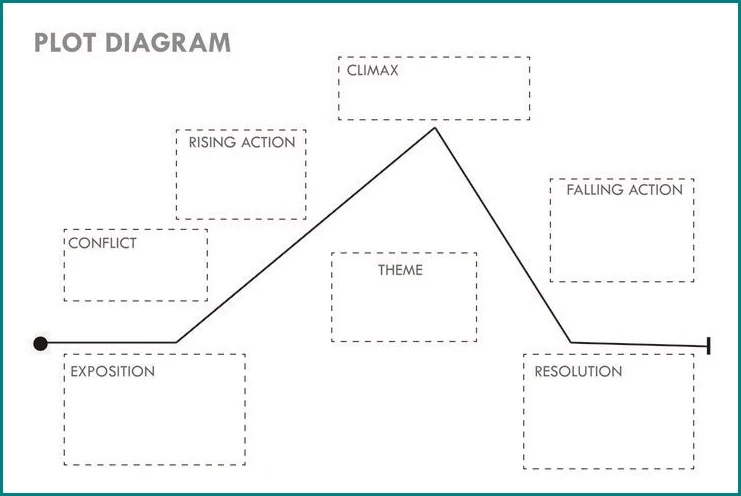
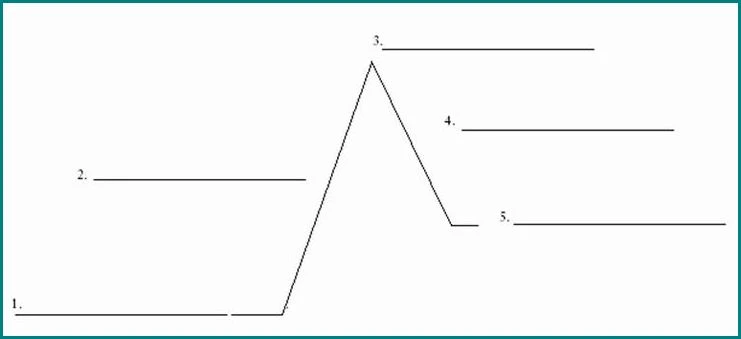
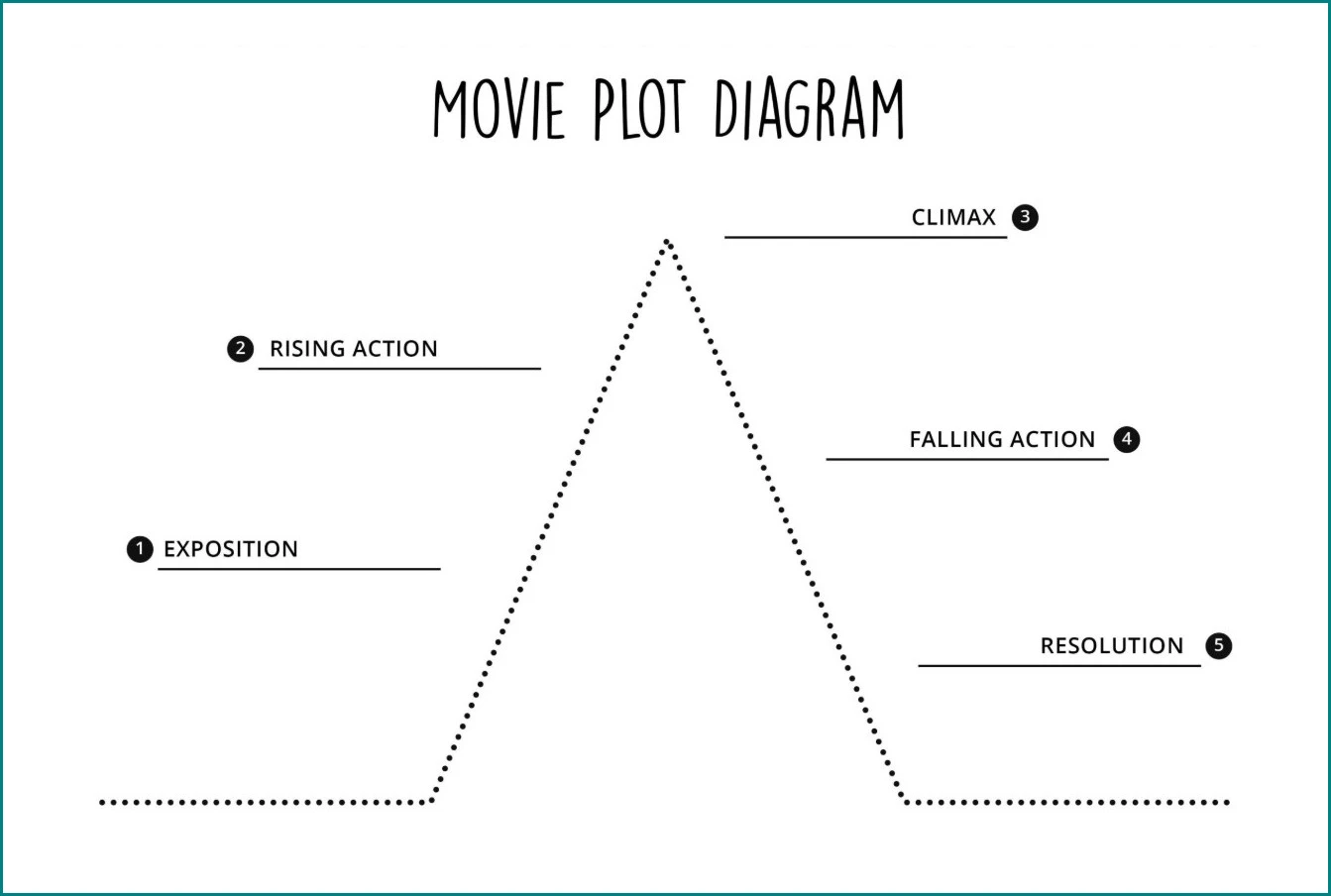
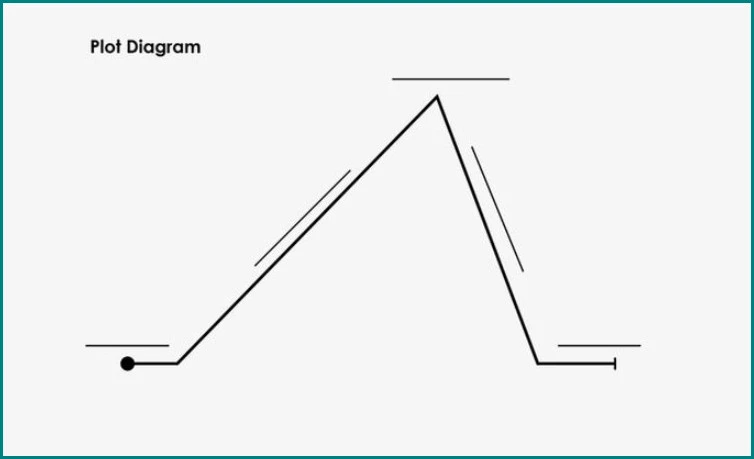
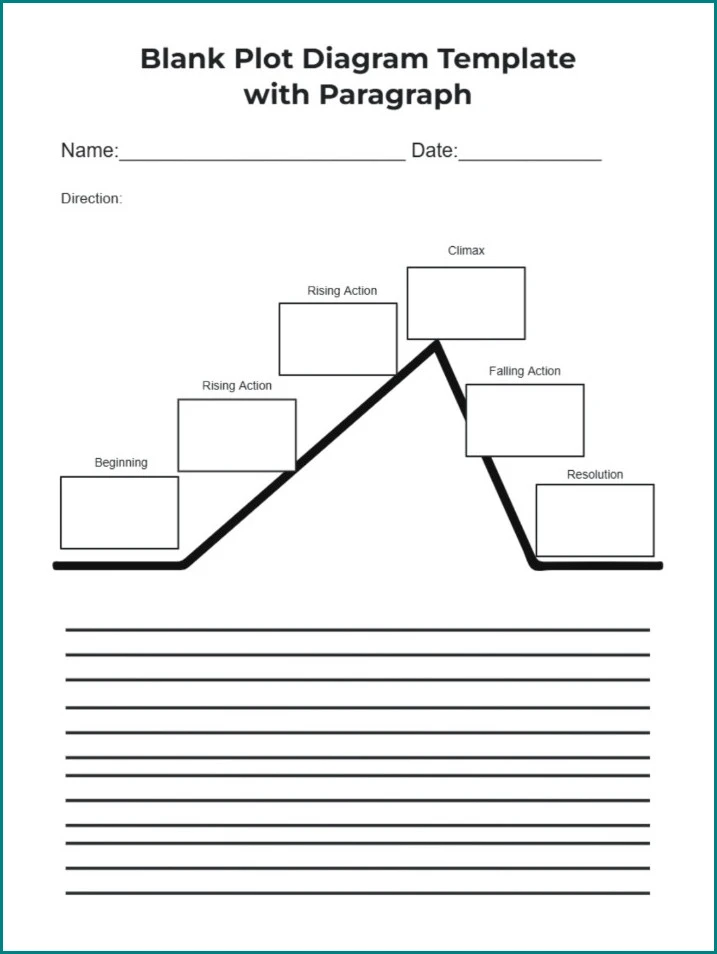
A plot diagram is a visual representation of the sequence of events in a story. It typically consists of five main parts: the exposition, rising action, climax, falling action, and resolution. Each part of the plot diagram serves a specific purpose in moving the story forward and building tension for the reader.
Why are Plot Diagrams Important?
Plot diagrams are crucial for understanding the structure of a story and how its elements work together to create a cohesive narrative. By mapping out the key plot points, characters, and conflicts in a visual format, you can gain insight into the flow of the story and identify areas where the plot may need further development.
What to Include in a Plot Diagram
When creating a plot diagram, it’s essential to include the following elements:
- Exposition. This is where the main characters, setting, and initial conflict are introduced.
- Rising Action. The series of events that lead to the climax, building tension and suspense.
- Climax. The turning point of the story, where the main conflict reaches its peak.
- Falling Action. Events that occur after the climax, leading towards the resolution.
- Resolution. The final outcome of the story, where loose ends are tied up and conflicts are resolved.
How to Create a Plot Diagram
Creating a plot diagram is a straightforward process that can be done on paper or using digital tools. Here’s a step-by-step guide to help you get started:
1. Identify the Key Plot Points
Start by outlining the major events in your story, including the introduction of characters, conflicts, and important turning points.
2. Organize the Plot Points
Arrange the plot points in chronological order, from the exposition to the resolution, to create a clear visual timeline of the story.
3. Add Details
Include details such as character motivations, settings, and key dialogues to provide context for each plot point.
4. Connect the Plot Points
Use arrows or lines to connect the plot points and show how they lead from one event to the next, building momentum towards the climax.
5. Review and Revise
Take a step back and review your plot diagram to ensure that all key elements are included and that the sequence of events makes sense. Make revisions as needed.
Tips for Using Plot Diagrams
Here are some tips for effectively using plot diagrams:
- Keep it Simple. Focus on the main plot points and avoid getting bogged down in unnecessary details.
- Use Color Coding. Assign different colors to each part of the plot diagram to visually distinguish between the exposition, rising action, climax, etc.
- Collaborate. If you’re working on a group project or analyzing a story with others, consider creating a plot diagram together to gain different perspectives.
- Update as Needed. As you develop your story or analyze a text, don’t be afraid to update your plot diagram to reflect any changes or new insights.
- Experiment. Play around with different plot structures and see how they affect the flow of your story. Don’t be afraid to try new approaches and see what works best for your narrative.
Conclusion
Plot diagrams are valuable tools for writers and readers alike, providing a visual representation of the key elements of a story. By understanding how to create and use a plot diagram effectively, you can enhance your storytelling skills and gain a deeper appreciation for the structure of narratives. So, whether you’re analyzing a classic novel or outlining your own masterpiece, be sure to incorporate a plot diagram into your writing process.
Plot Diagram Template – Word

- Free Student Resume Template (Word) - September 21, 2026
- Free Printable Travel Itinerary Template - September 21, 2026
- Free Printable Trip Schedule Template - September 21, 2026
